Resetting a forgotten MyGSG parent account password Follow

If you've forgotten your MyGSG parent account password, you can use our password reset self-service.
To access the password reset self-service, click the 'Forgot Password?' button on the MyGSG login page:

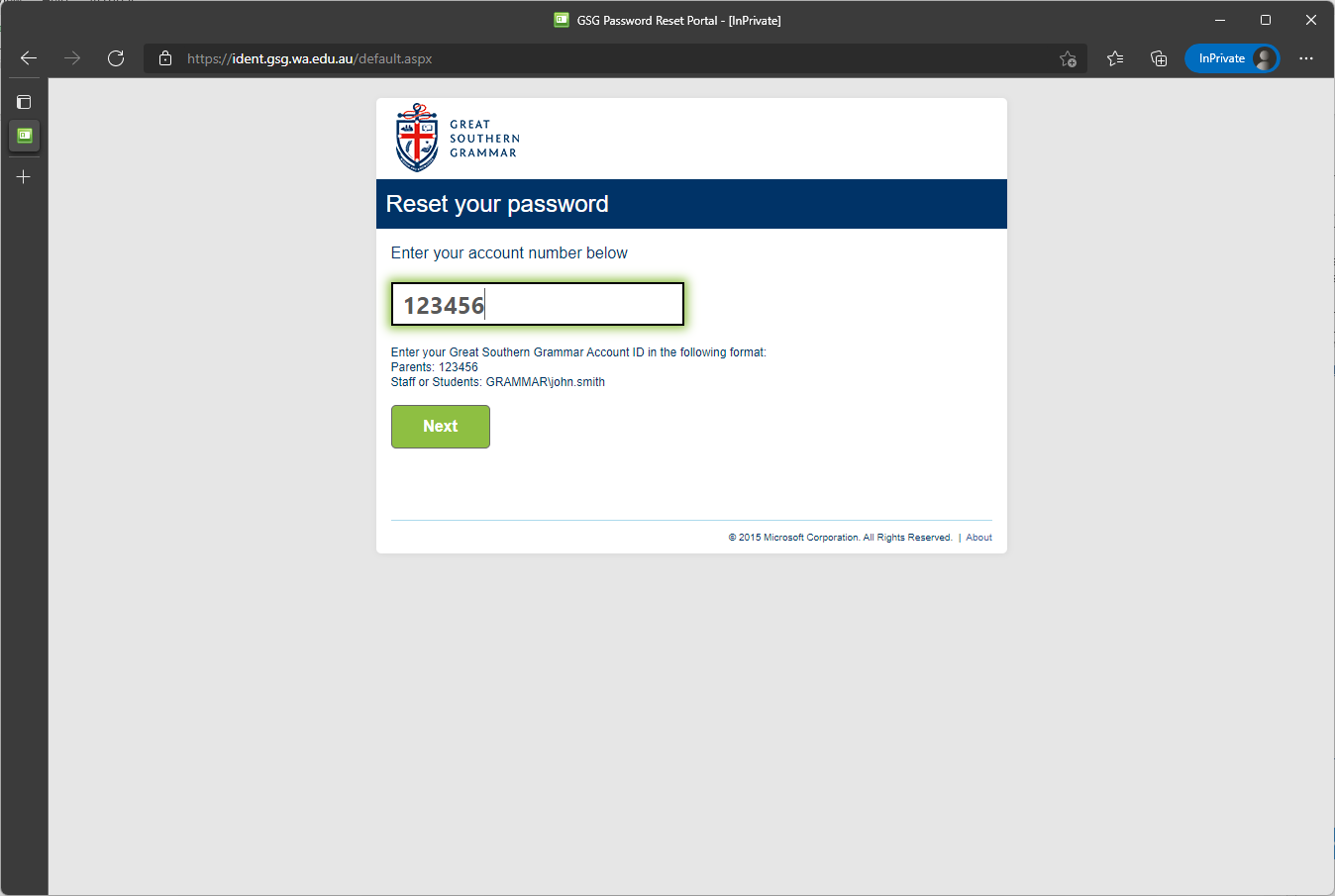
At the password reset self-service, you'll be prompted to enter your account number, and click 'Next':
The reset self-service will send an automatically generated one-off security code to your associated email address:
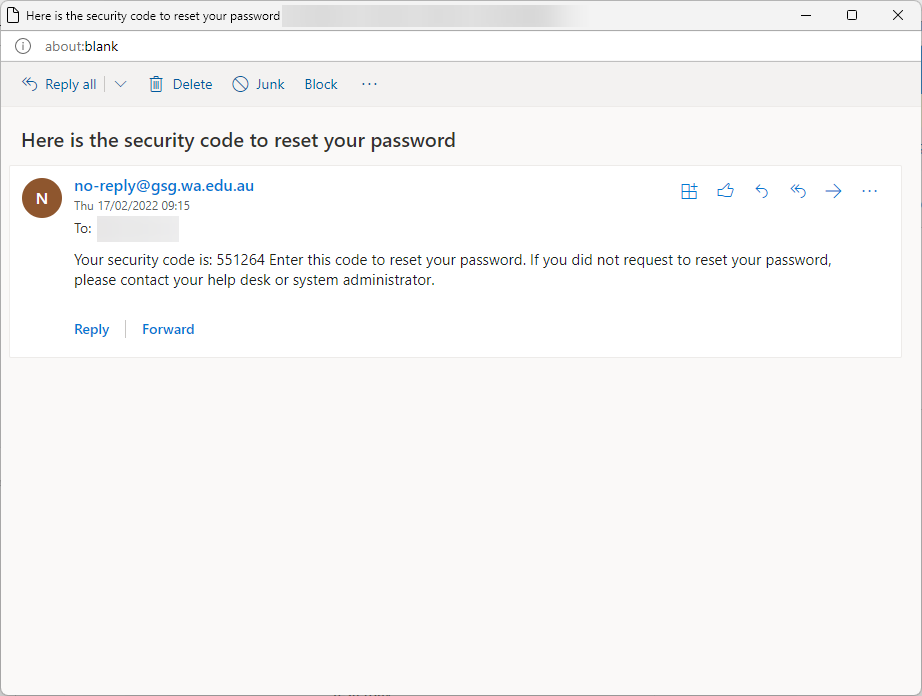
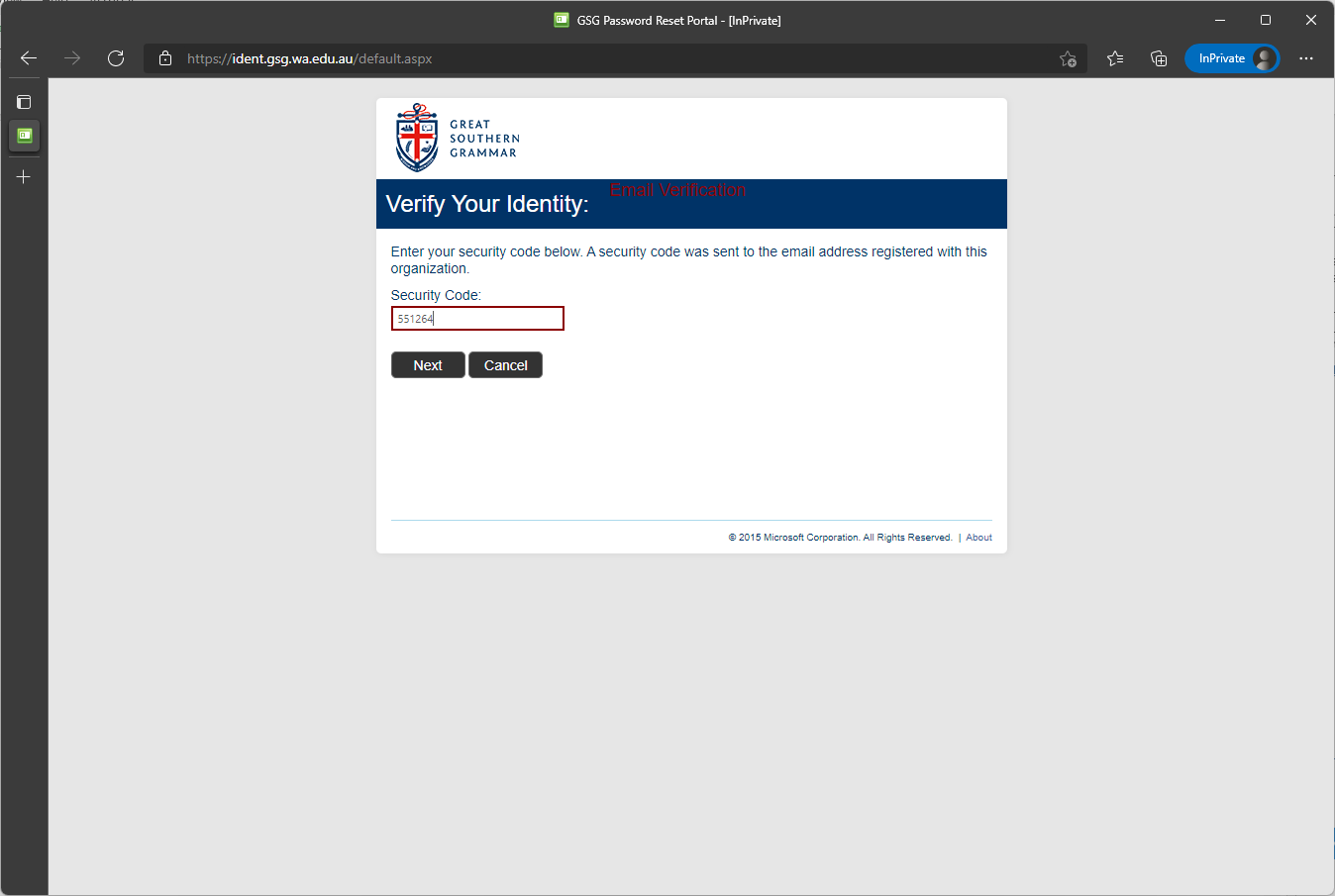
You will need to access your email, find the one-off security code, and enter it as prompted:
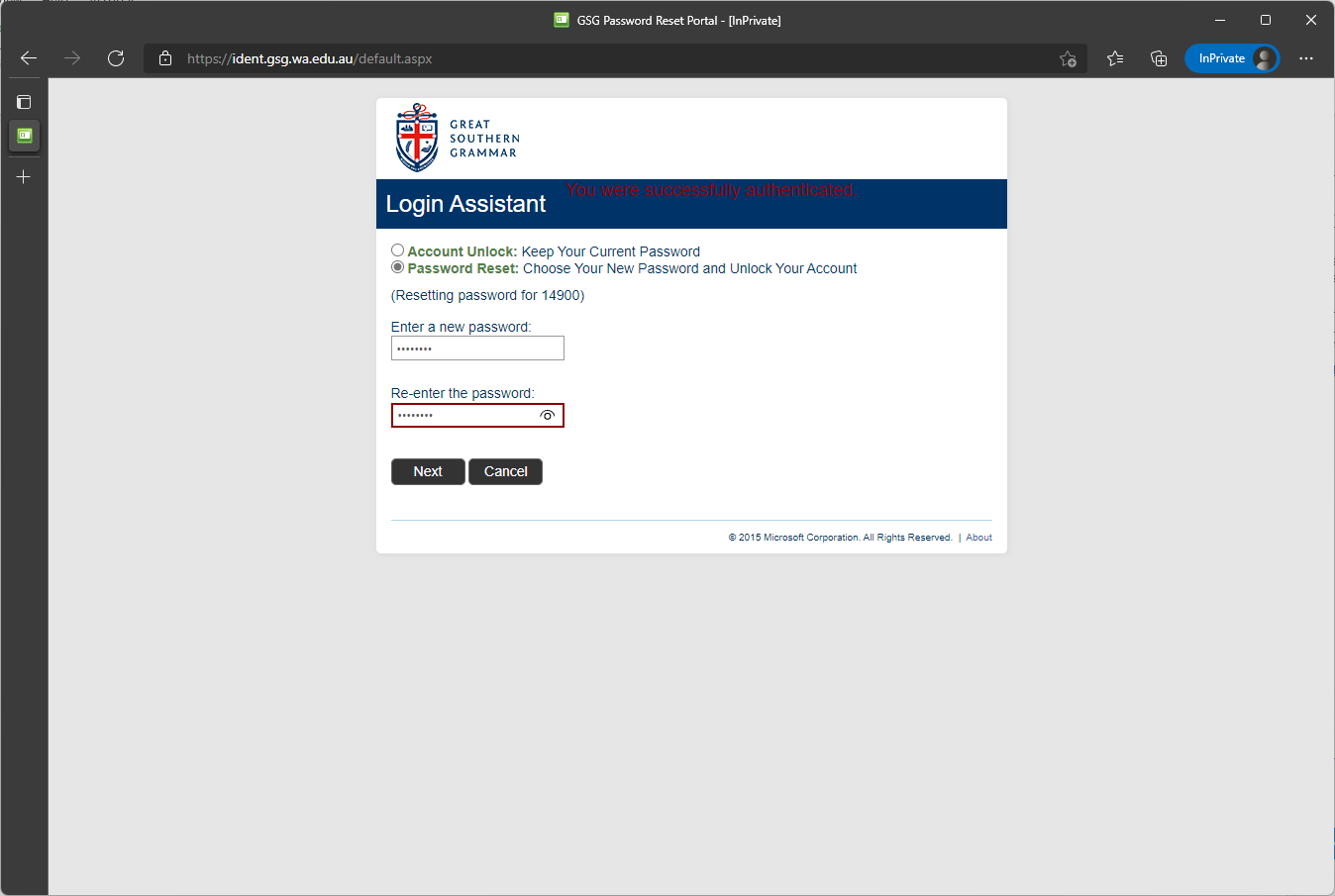
The system will now allow you to change your password. Once you've changed it, you can navigate back to MyGSG and log in with your account number and new password.
If you continue to have problems accessing MyGSG, or don't receive a security code in your email, please submit a support request and one of our IT support staff will be in touch.
Comments
0 comments
Article is closed for comments.