Accessing Parent Teacher Interviews through Teams Follow

In this article:
Parent Teacher Interviews can be joined virtually through Microsoft Teams. Teachers have prepared a 'virtual meeting room' and when you connect to an interview, you'll wait in the lobby until the teacher admits you to the meeting.
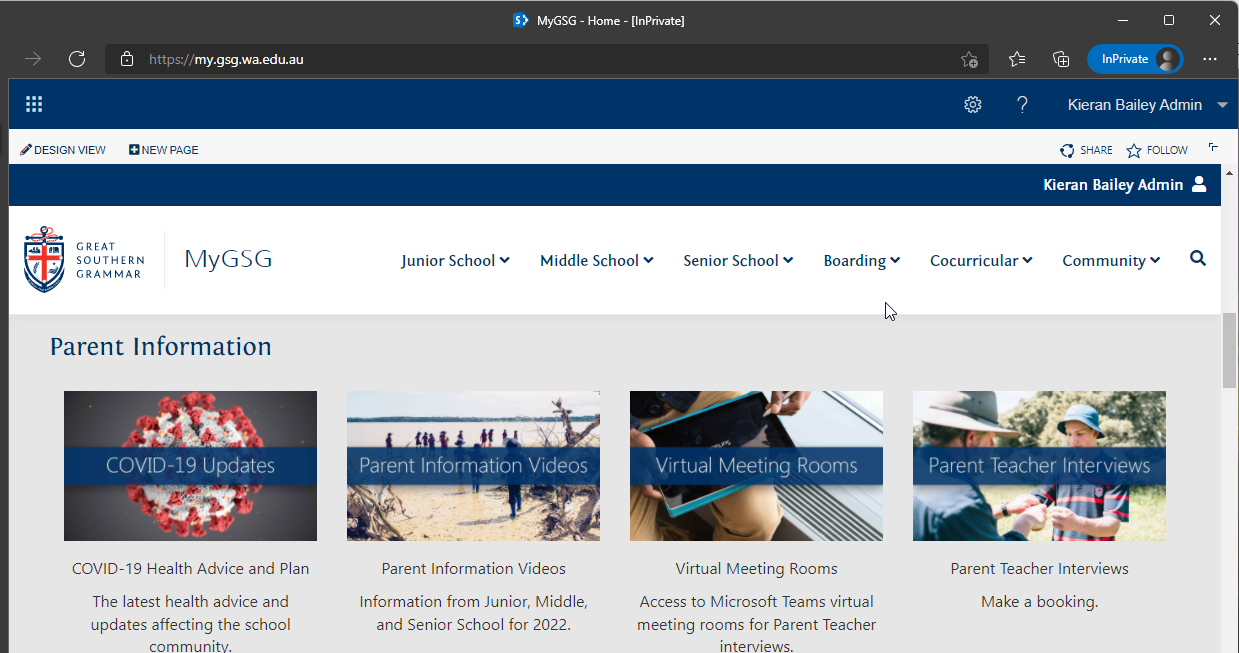
In MyGSG, navigate to our Virtual Meeting Rooms page.
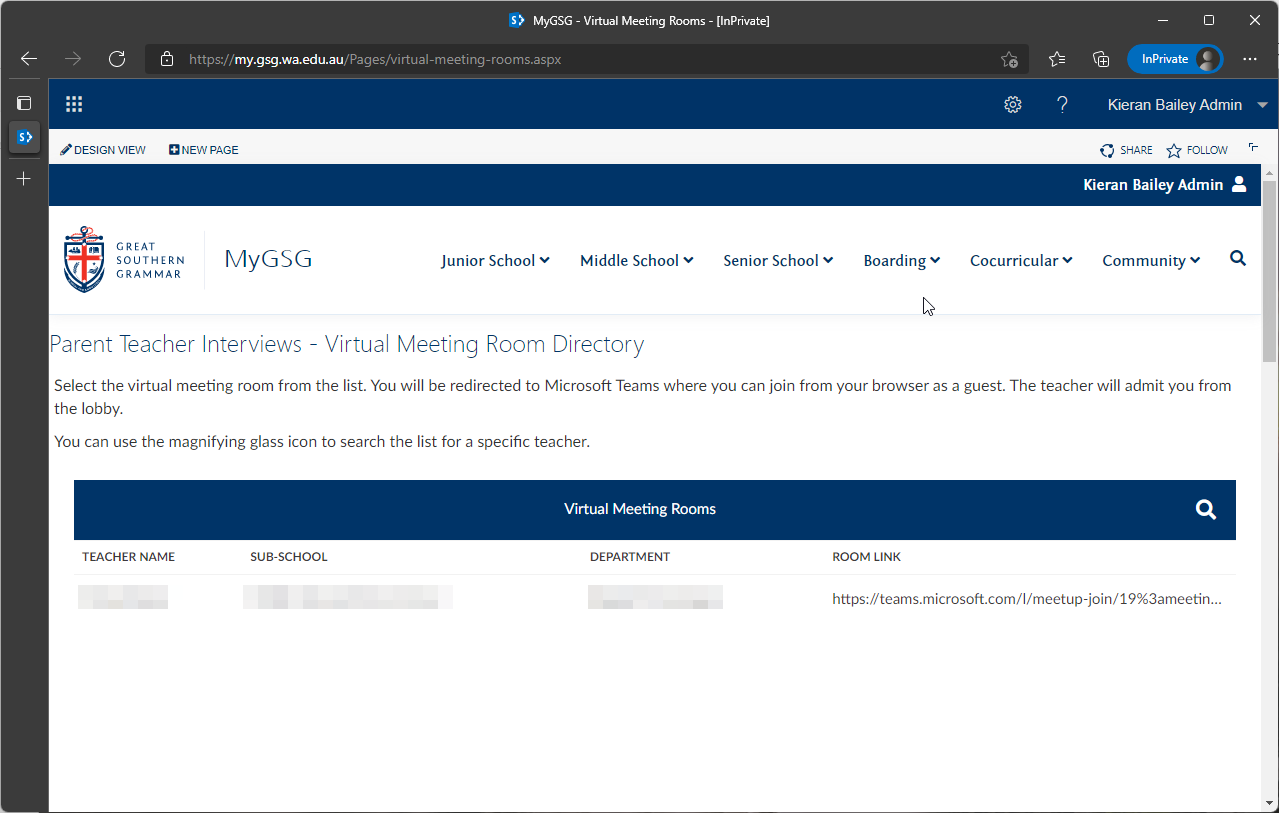
In the Virtual Meeting Rooms directory, you can search for the teacher you are meeting with and then select their 'Room Link'.
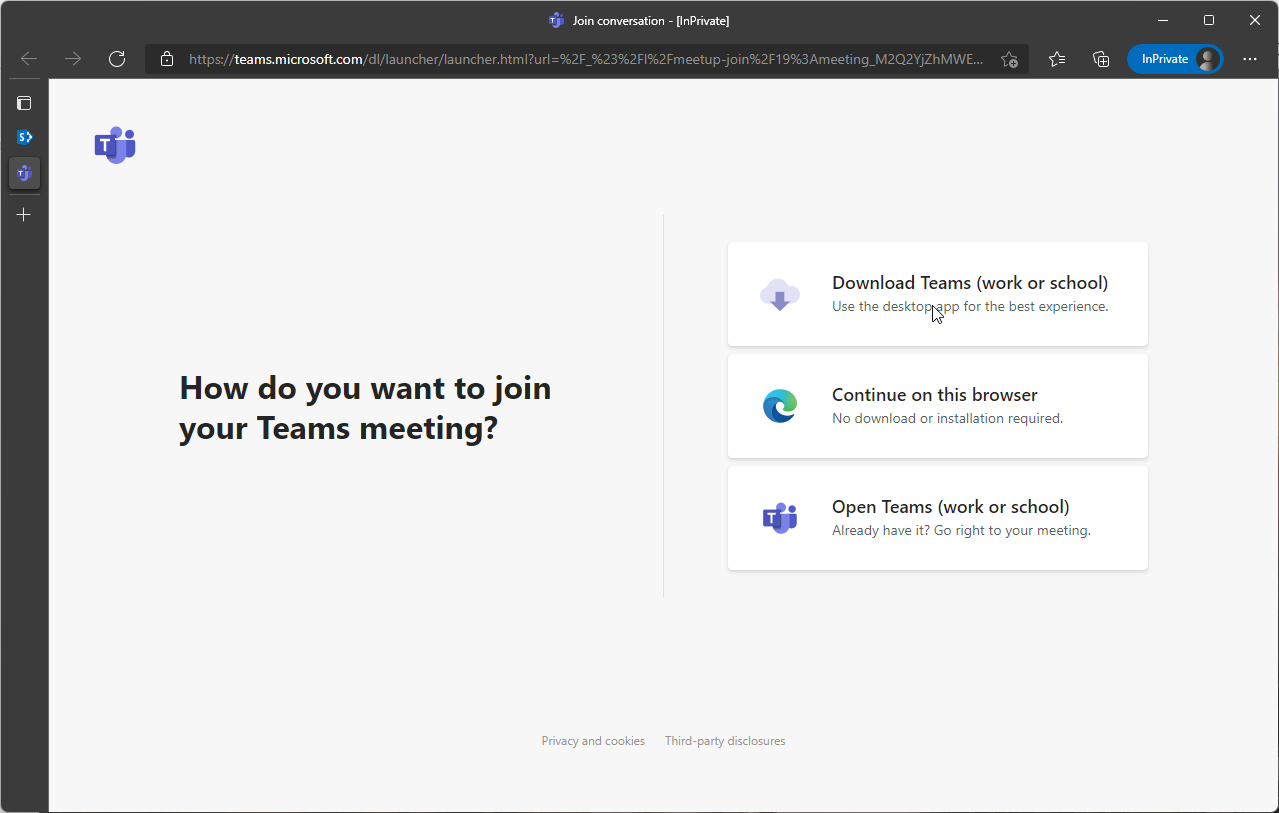
If you have Microsoft Teams installed on your computer, you may be prompted to open the client, otherwise, select 'Continue on this browser' to access the meeting without installing any software.
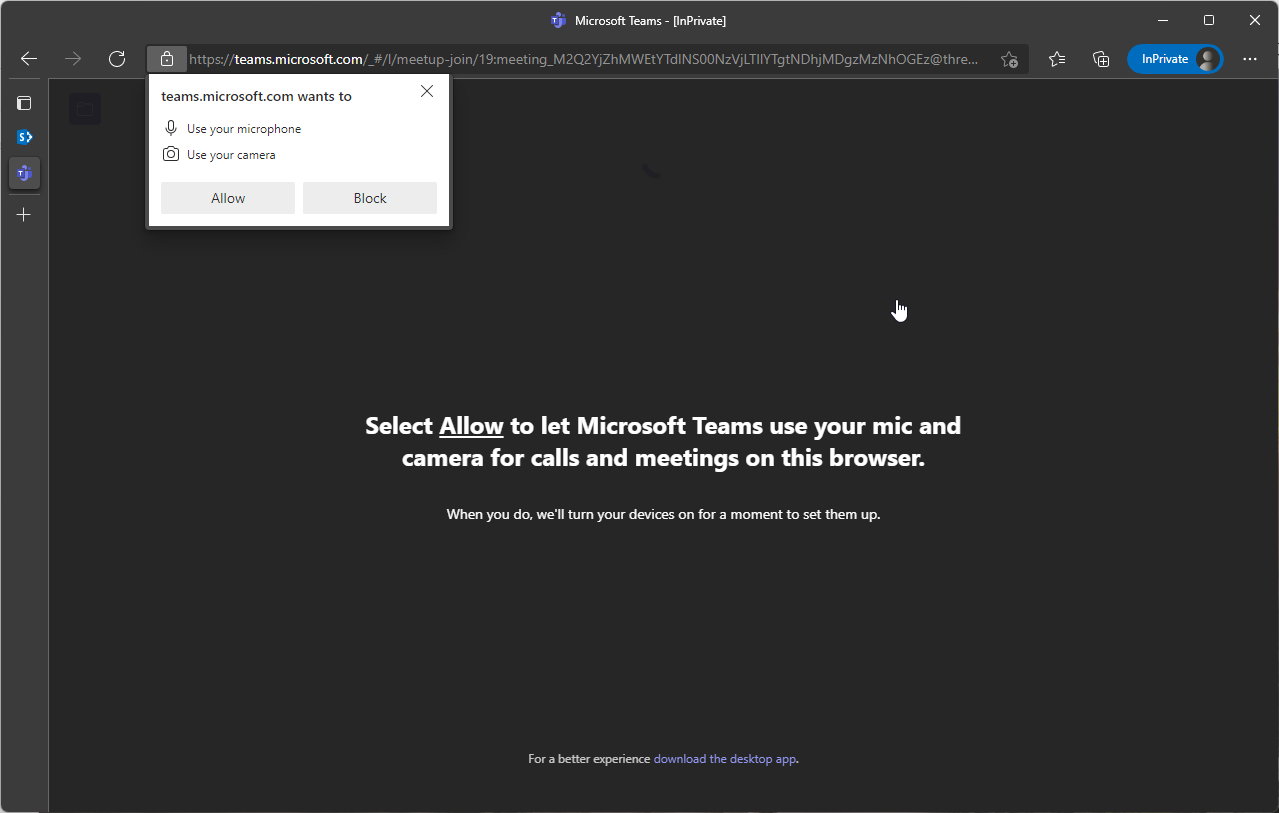
Your browser may prompt you to allow the use of your microphone and camera. Select 'Allow'.
You can now enter your name and adjust your camera settings. When ready, select 'Join now'.
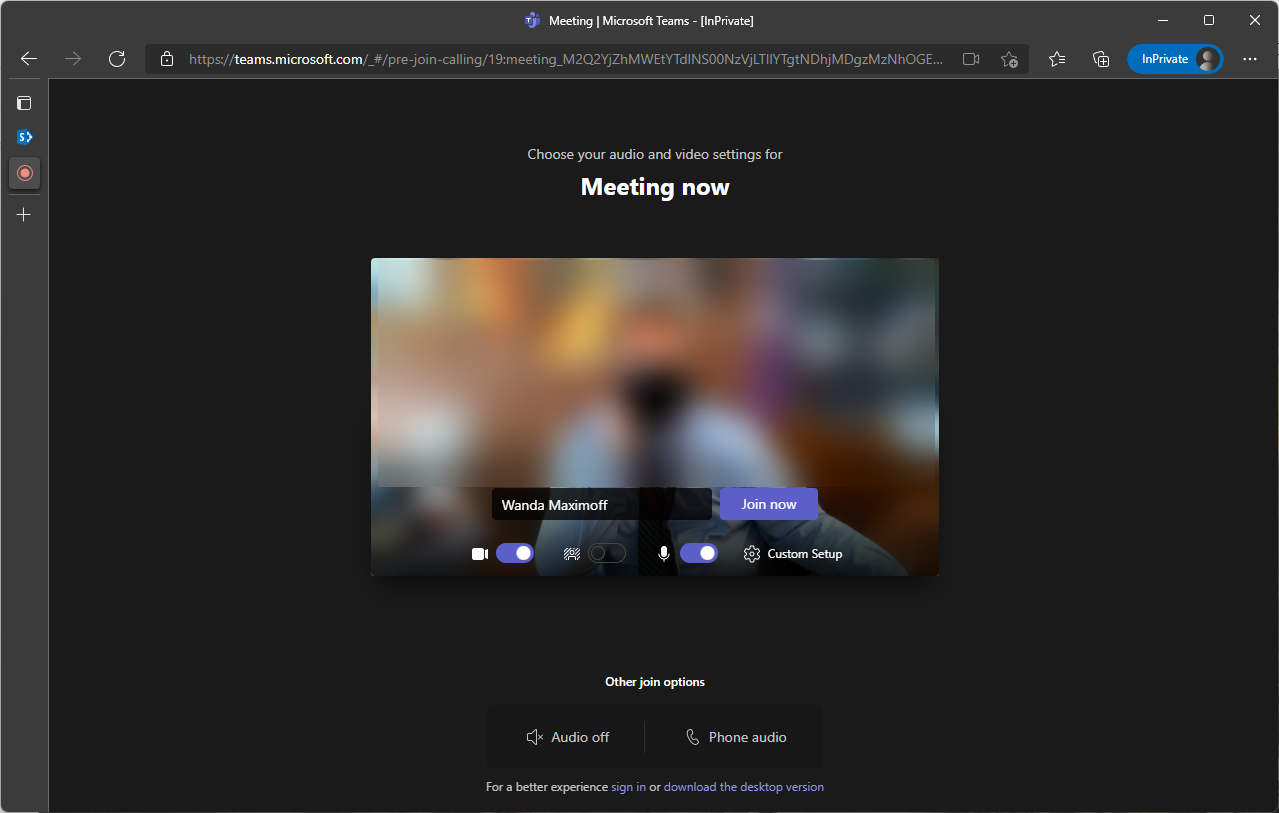
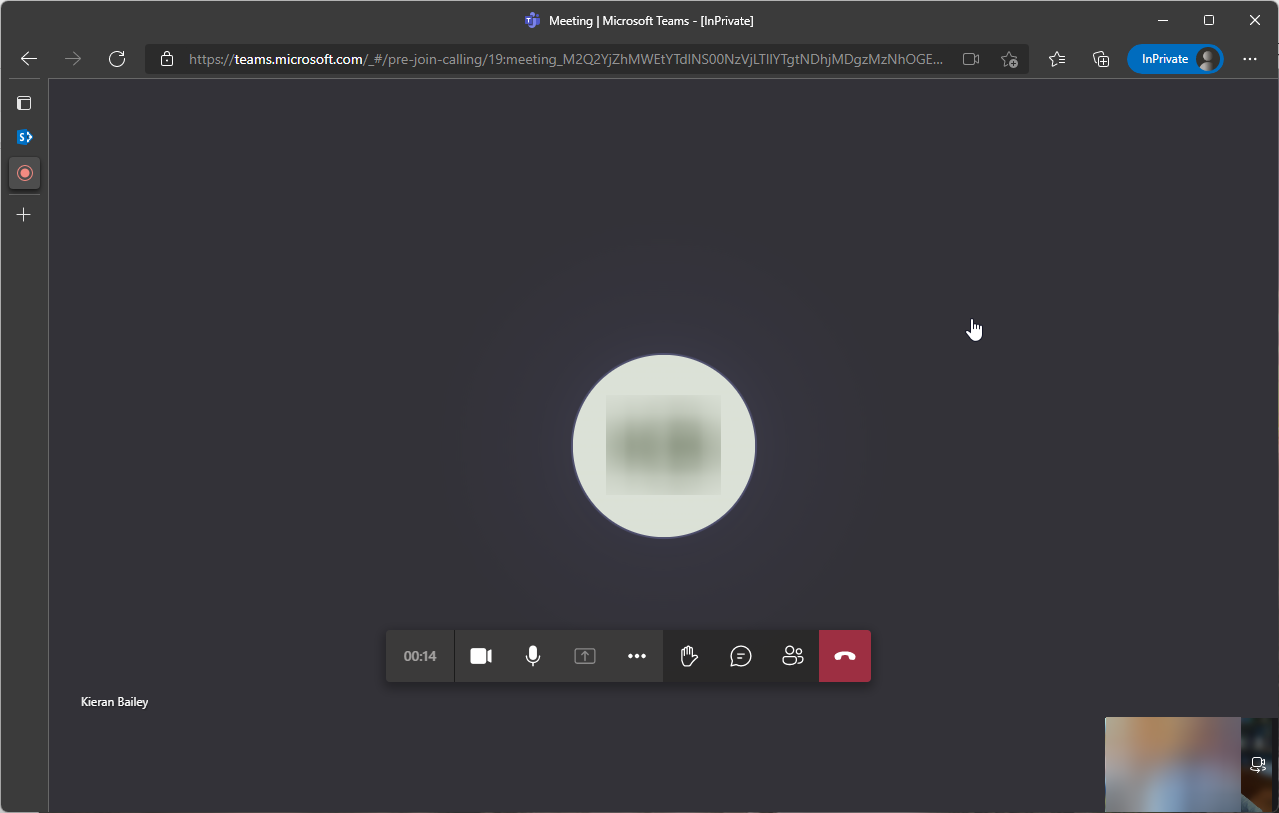
You will now wait in a virtual lobby until the teacher is ready to commence the meeting. When you have finished, just select the 'hang up' icon. If you have another meeting to attend, head back to the directory to find the next virtual meeting room link.
Comments
0 comments
Article is closed for comments.