Accessing the redesigned MyGSG Follow

Parents, students and staff of Great Southern Grammar now have access to a new range of online mobile resources to improve online communication and interactions.
The redesigned MyGSG streamlines the access to online information and services provided by Great Southern Grammar on any device.
Navigating the Homepage
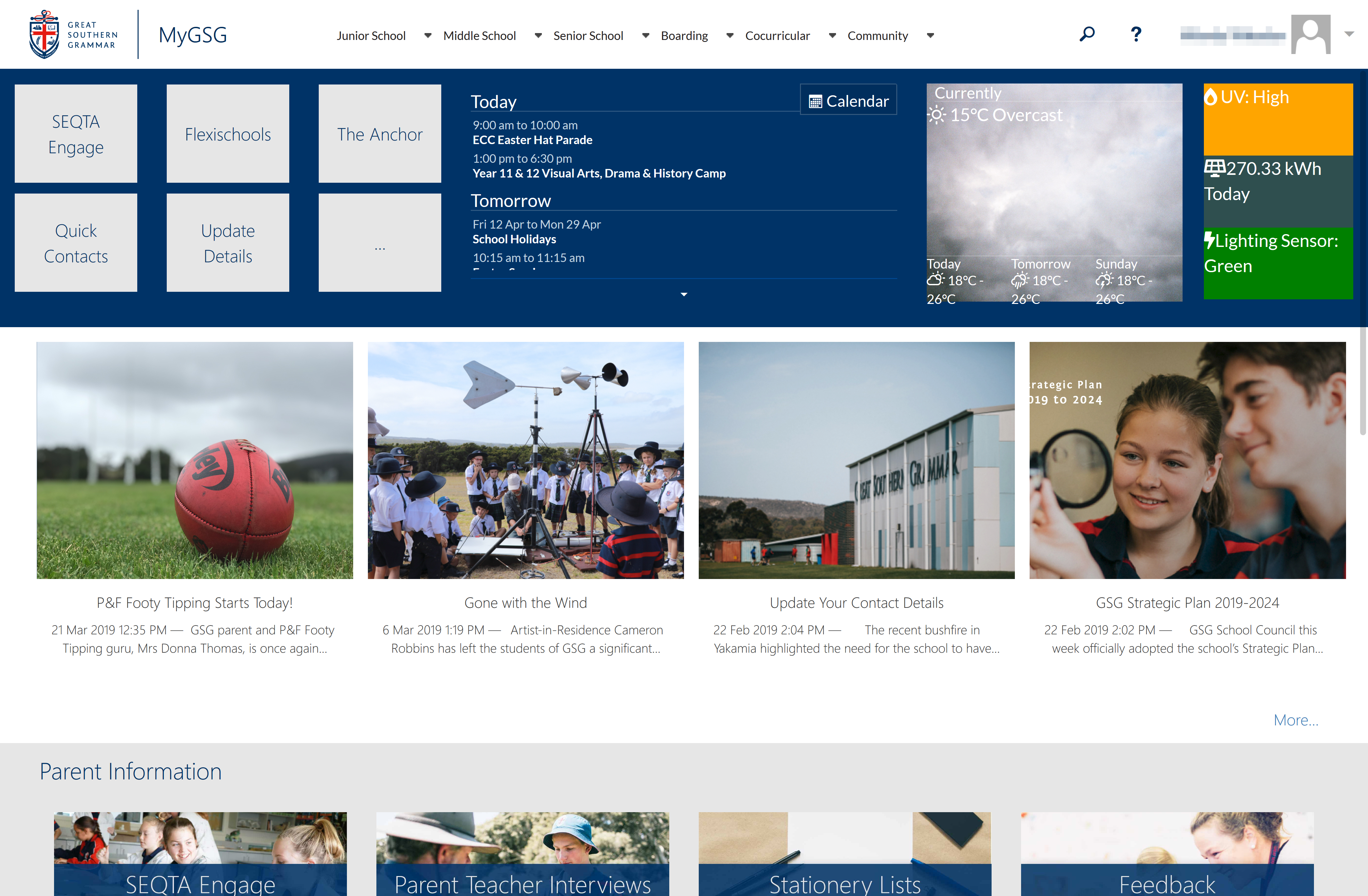
The new MyGSG homepage gives you access to frequently used resources and information. The menu at the top of the page has been simplfied, with updated quick links, access to the calendar, and other relevant information is also displayed at the top of the page.
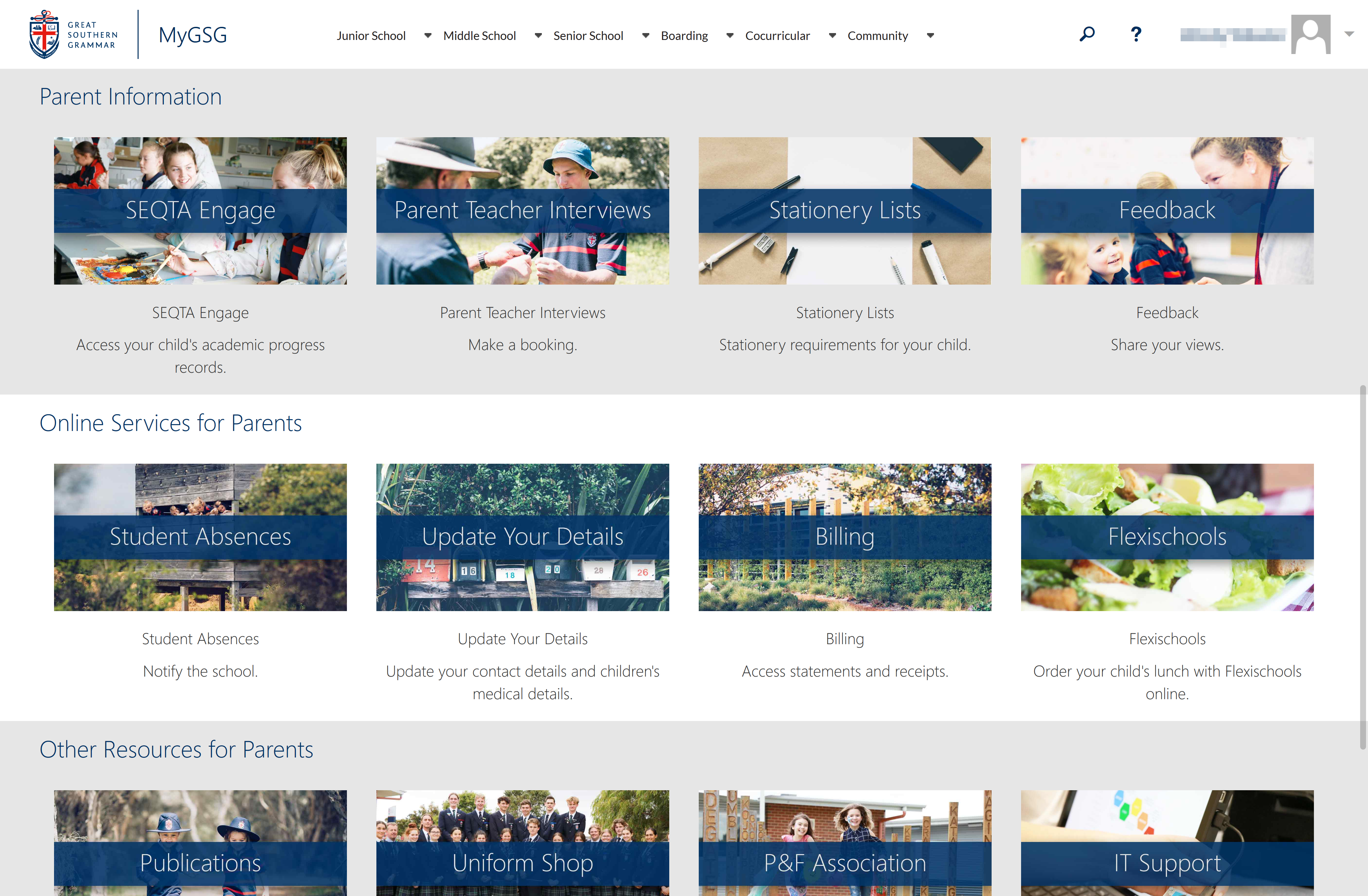
Further down the MyGSG homepage are other frequently used resources and information.
Navigating the Homepage from a Mobile Device
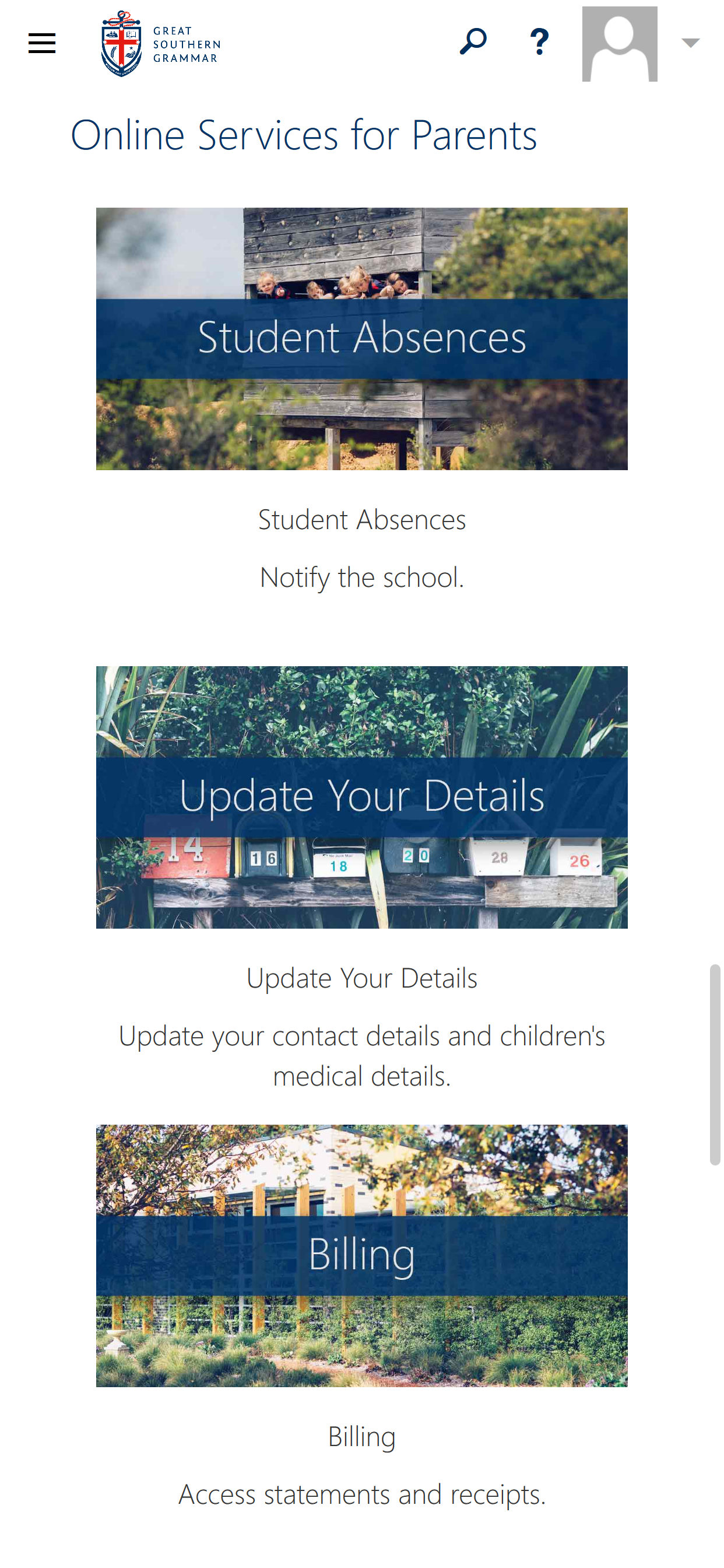
The MyGSG homepage looks great on a mobile device, too. The same information is presented in a friendly, scrollable view.
Subschool Information
Each MyGSG Subschool Information page now provides a more consistent layout of resources and information.
They are accessible from the menu at the top of each page.
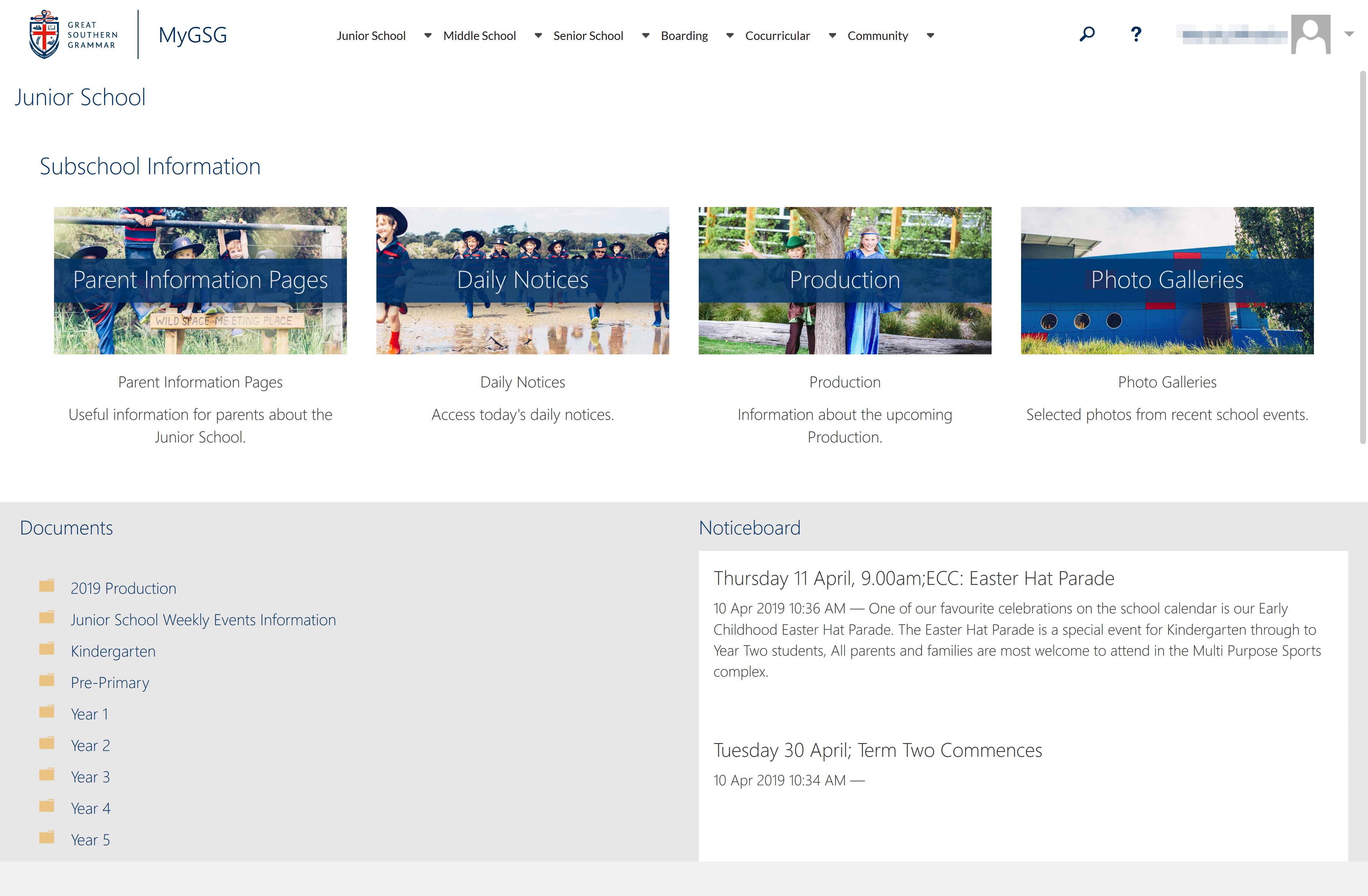
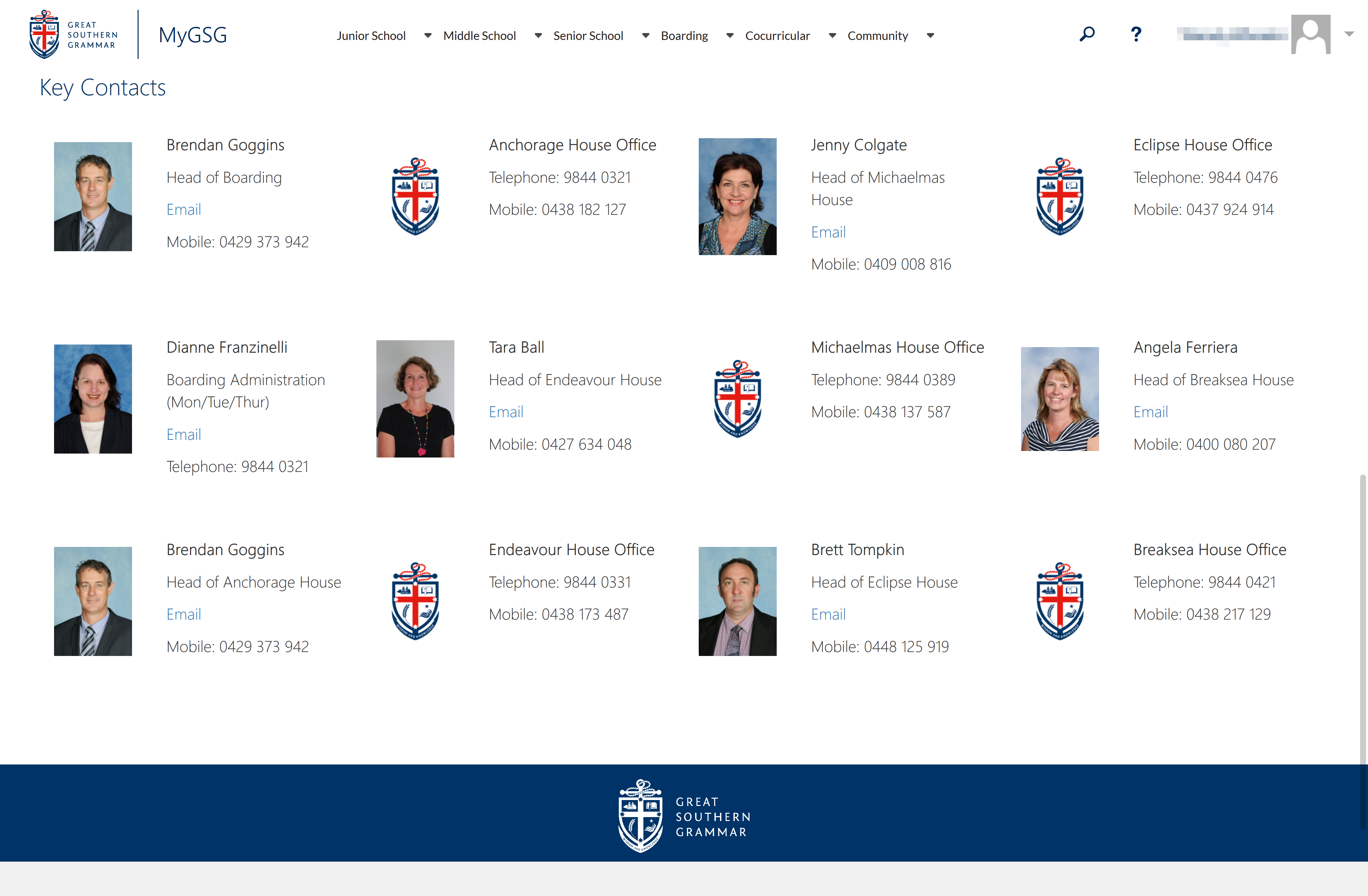
Each information page, including our cocurricular and boarding pages include useful contact information for key people at Great Southern Grammar.
Using the Calendar
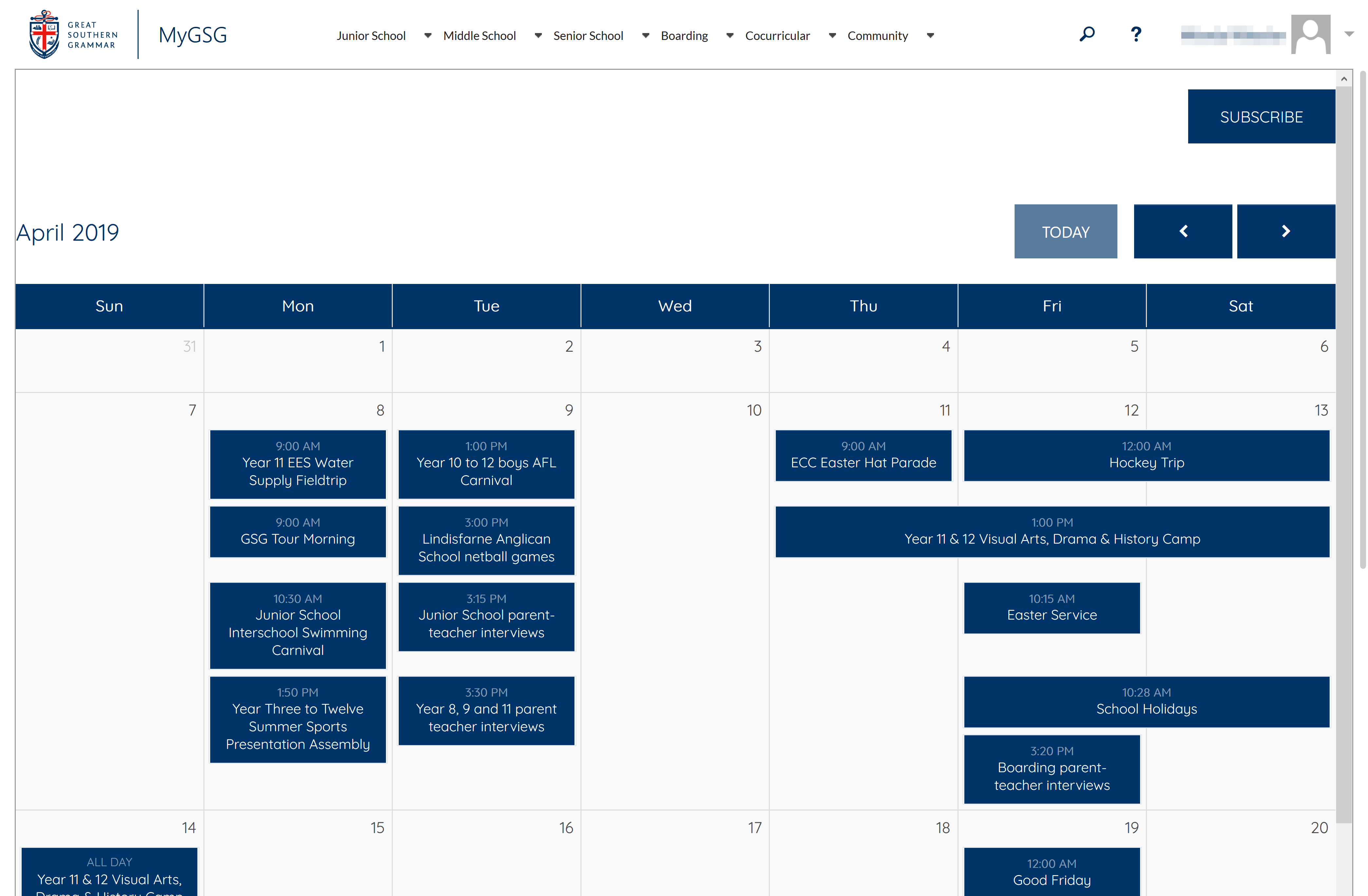
The redesigned MyGSG also brings with it improvements to the calendar. Access the calendar from the 'Community' menu, or select the 'Calendar' button on the MyGSG homepage.
You can click the 'Subscribe' button from your device to add the calendar to calendar application (such as Microsoft Outlook or Apple Calendar) on your device.
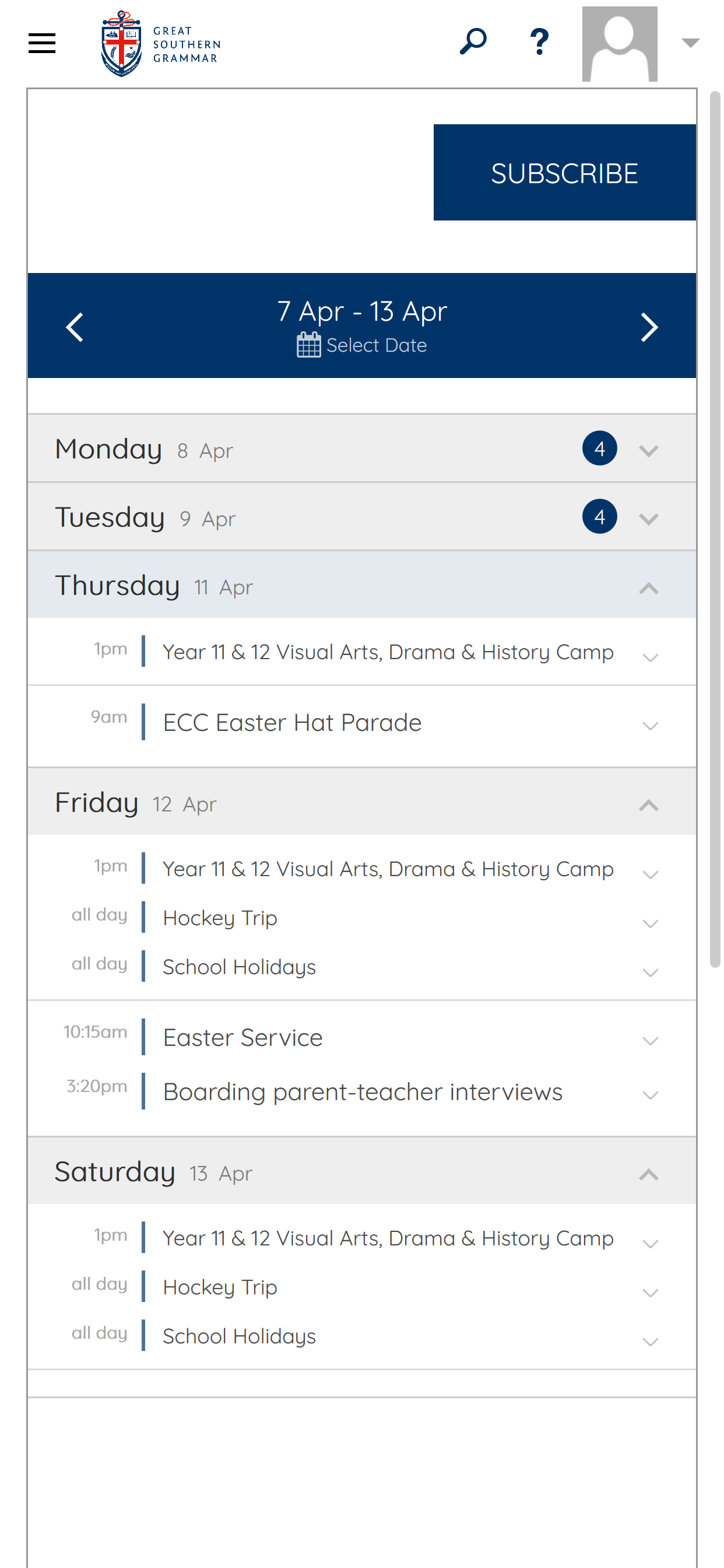
The calendar will responsively change to a list view on your mobile device.
Comments
0 comments
Please sign in to leave a comment.