Change Timezone in Outlook Follow

In this article:
This article explains the process to update or change your time zone using Outlook online.
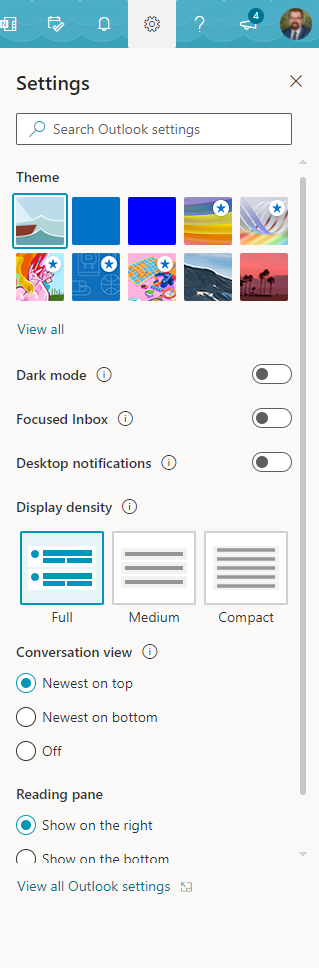
1. To change your time zone in Outlook, log in to your email through your browser and select 'View all Outlook settings' from the 'Settings' pane.
2. In the 'Settings' window select 'General' and adjust the 'Current time zone' to reflect the correct time zone for where you are. The correct setting Albany is (UTC +08:00) Perth.
Comments
0 comments
Article is closed for comments.